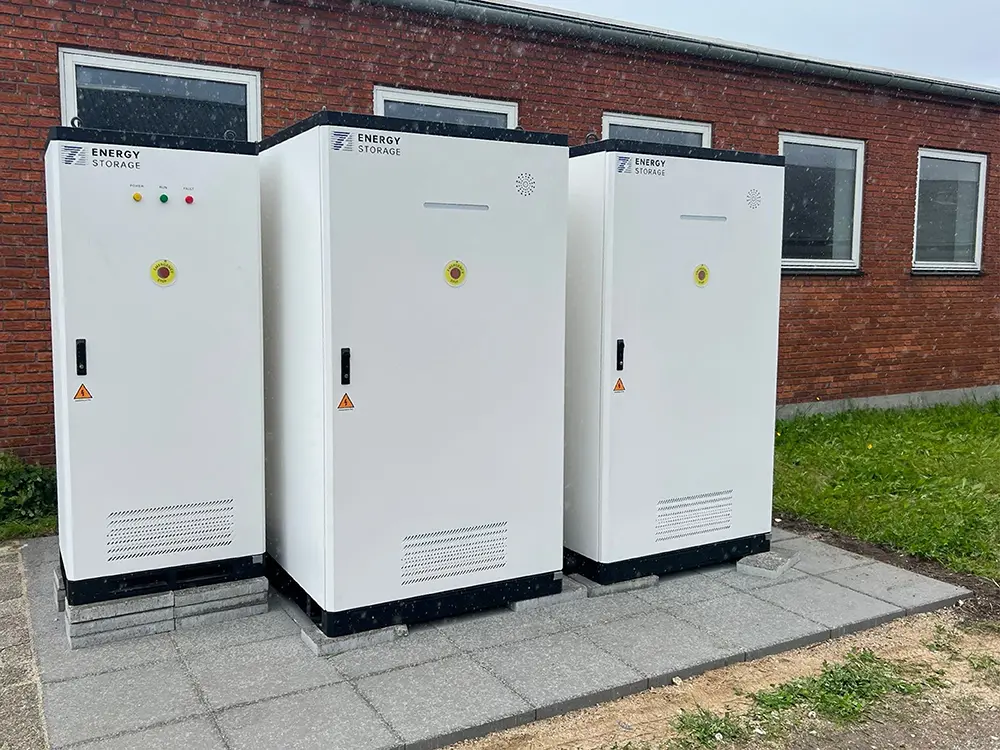
Data center backup runtime is not a single number printed on a battery datasheet. It depends on which systems must stay online, how much power they draw, how long they need support, and how much energy the battery can actually deliver at the site connection point. For data center owners, the practical question is not only “how big is the BESS?” It is “what can this system carry, for how long, under the conditions we will actually operate in?”
A data center BESS must satisfy two requirements at the same time: enough kW to carry the selected loads and enough kWh to maintain them for the target duration. A 500 kW protected load requiring 30 minutes of support needs 250 kWh delivered at the AC connection point.
Under the illustrative efficiency, operating-window, end-of-life, and contingency assumptions used below, that becomes approximately 422 kWh of nominal battery capacity. The power conversion path must also support at least 500 kW. A product with a 422 kWh nameplate is not automatically suitable for this example; its continuous discharge power, PCS configuration, redundancy, thermal limits, and warranty conditions must also be verified.
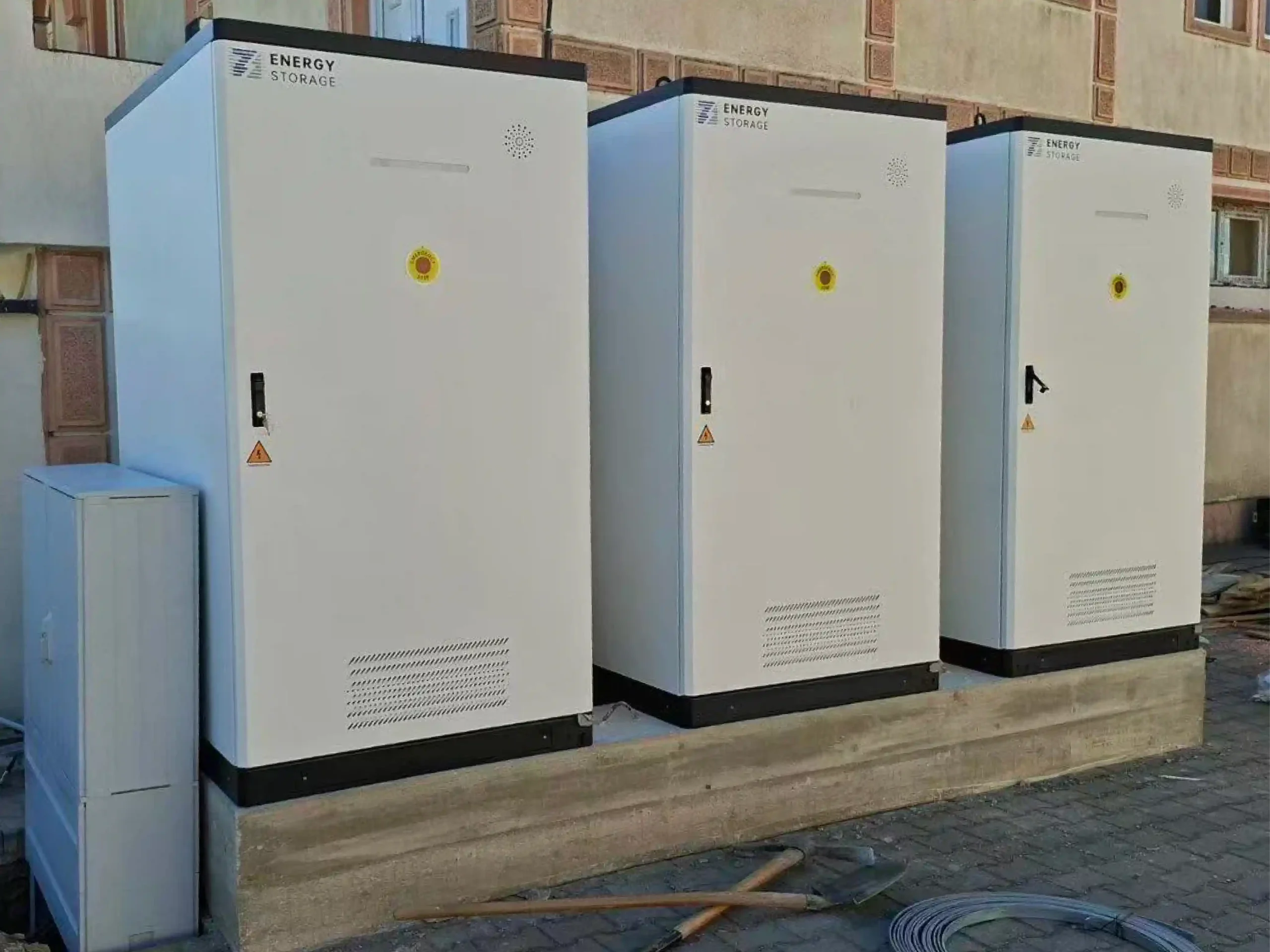
This guide explains how to translate site requirements into power, energy, operating margin, and runtime decisions. For the wider system architecture, UPS integration, and cost context, see PVB’s data center BESS, UPS backup, and cost planning guide.
What Does Backup Runtime Mean in a Data Center?
Backup runtime means the amount of time a power system can support a defined load after the normal supply is unavailable or constrained. In a data center, that definition must be precise. Runtime for the full facility is very different from runtime for IT racks only, network equipment only, emergency lighting only, or cooling control systems only.
A useful runtime statement should include five elements:
- Supported load: Which load group is backed up?
- Load power: How many kW must be supported at peak and average conditions?
- Target duration: Is the goal 15 minutes, 30 minutes, 1 hour, 2 hours, or longer?
- Usable energy: How much AC energy can the system deliver after conversion losses, emergency margin, and operational limits?
- Operating sequence: What happens before, during, and after UPS transfer, generator start, or BESS dispatch?
Critical Load Classification Comes First
Before sizing a BESS, the site must classify loads. This is where many early-stage projects go wrong. If every load is treated as critical, the battery becomes oversized, expensive, and harder to justify. If too few loads are protected, the facility may keep servers powered while losing the auxiliary systems needed to operate safely.
| Load Group | Examples | Runtime Priority | Sizing Comment |
|---|---|---|---|
| Priority 1 critical IT load | Servers, storage, network core, critical communication equipment. | Highest | Usually protected by UPS first. BESS may support the upstream architecture or extend the backup layer. |
| Control and safety loads | Monitoring systems, access control, fire systems, emergency lighting, security, control networks. | High | Small in kW, but important for safe operation and incident response. |
| Cooling support loads | Cooling controls, pumps, fans, selected HVAC equipment, thermal management auxiliaries. | Project-specific | Must be reviewed carefully because thermal risk can rise even when IT power is maintained. |
| Operational support loads | Selected office systems, maintenance areas, communications rooms, limited site services. | Medium | May be backed up only when the project has enough spare capacity and a clear business case. |
| Non-critical loads | General comfort loads, non-essential lighting, non-critical outlets, flexible process loads. | Low | Often excluded from BESS backup runtime to control system size and cost. |
The goal is not to make the battery support everything. The goal is to decide what must remain available during the intended event window, then size the BESS around that real requirement.
UPS Bridge Time vs BESS Backup Duration
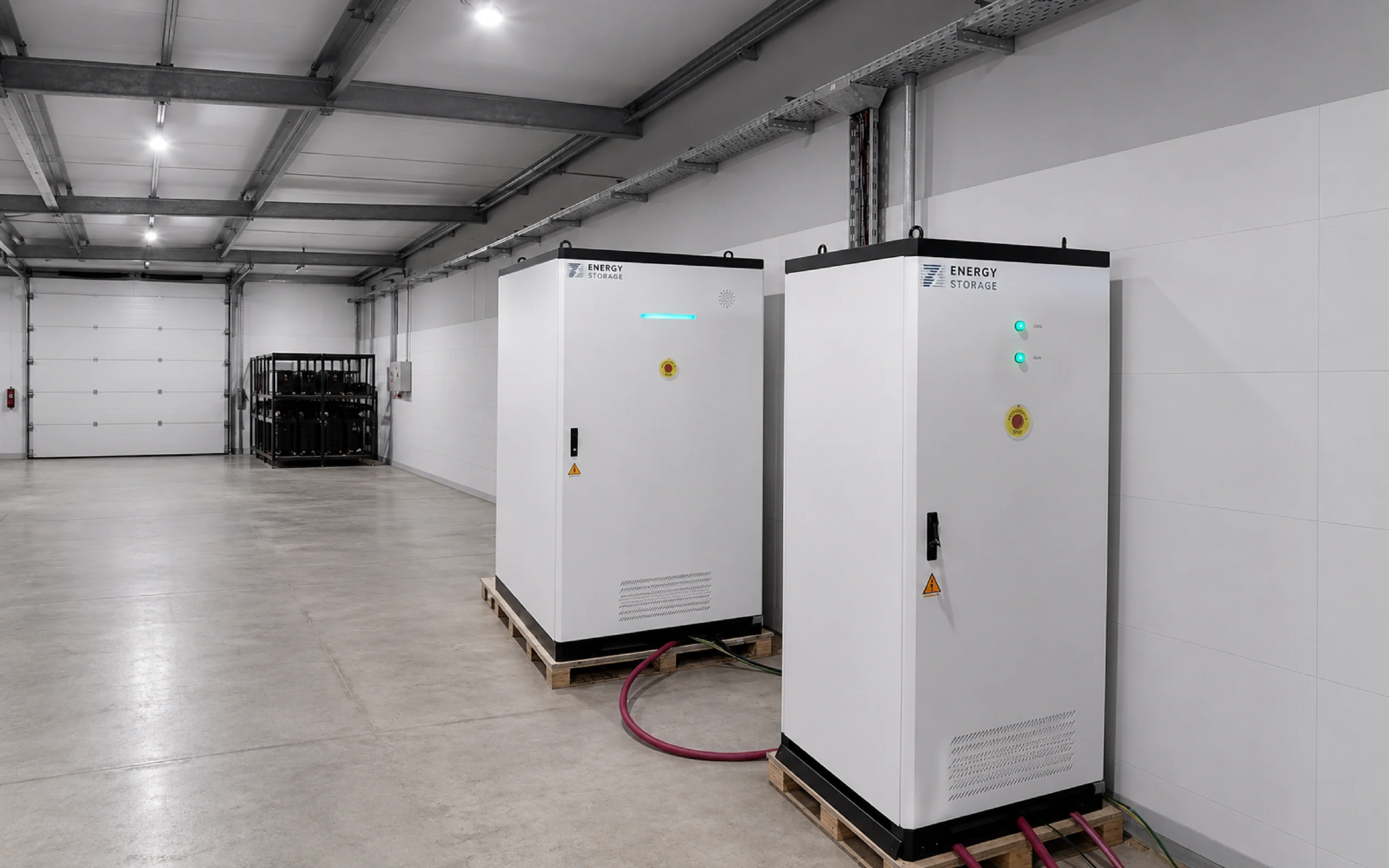
UPS runtime and BESS runtime should be separated. In a conventional data center architecture, the UPS provides immediate ride-through and power-quality protection. A BESS may provide longer-duration support or selected-load backup, but only when the electrical architecture, transfer sequence, protection, controls, and operating modes are designed and validated for that purpose.
| Backup Layer | Typical Time Focus | What It Protects | Runtime Sizing Question |
|---|---|---|---|
| UPS | Milliseconds to minutes | Critical IT load continuity and power quality. | Can the UPS carry the load until the next power source is ready? |
| BESS | Minutes to hours | Selected critical loads, upstream support, or site-level energy support. | How many kWh of usable energy are needed for the defined load window? |
| Generator or utility restoration | Longer-duration operation | Facility-level continuity where fuel, maintenance, emissions rules, and switching design allow. | How does BESS bridge, reduce starts, or coordinate with the generator sequence? |
This distinction matters because a BESS is not normally sized by copying the UPS battery bank. It should be sized from load groups, target duration, electrical limits, control strategy, and operating conditions.
kW vs kWh: The Core Sizing Difference
Many BESS sizing mistakes start with confusing power and energy. kW describes how much power the system can deliver at a moment. kWh describes how much energy can be delivered over time. A system can have enough kWh but not enough kW, or enough kW but not enough kWh.
This distinction is also reflected in the U.S. Department of Energy’s BESS evaluation guidance, which treats capacity, efficiency, and metered charge and discharge performance as separate evaluation inputs.[1]
| Term | Meaning | Data Center Runtime Impact |
|---|---|---|
| kW | Power output capacity. | Determines whether the system can support the load without overload. |
| kWh | Stored energy capacity. | Determines how long the BESS can support the selected load. |
| Usable kWh | Deliverable energy after limits, losses, margin, and operating constraints. | More important than DC nameplate capacity for runtime planning. |
| PCS kW | Power conversion system output rating. | May limit backup power even when the battery has enough stored energy. |
For serious projects, the calculation should be done at the AC point of connection, not only from the DC battery nameplate. Conversion efficiency, auxiliary consumption, temperature, allowed depth of discharge, battery aging, and emergency margin all change the amount of energy the site can actually use.
Worked Example: 30-Minute Runtime for Selected Loads
Assume a small data hall wants BESS support for selected loads during a grid event. The project team decides that the battery should support 420 kW of IT load, 35 kW of network and control systems, and 45 kW of cooling support. Non-essential office loads, comfort HVAC, and flexible auxiliary loads are excluded.
| Step | Calculation | Result |
|---|---|---|
| 1. Add supported loads | 420 kW + 35 kW + 45 kW | 500 kW load to be supported |
| 2. Convert runtime to hours | 30 minutes / 60 | 0.5 hours |
| 3. Calculate delivered energy | 500 kW x 0.5 hours | 250 kWh delivered at the AC connection point |
| 4. Add operating margin | 250 kWh x 1.05 for illustrative BESS and balance-of-system auxiliary consumption not already included in the protected-load list | 262.5 kWh at the AC load side |
| 5. Account for discharge-path efficiency | 262.5 kWh / 0.95 | Approximately 276 kWh before operating-window and aging allowances |
| 6. Apply usable SoC window | 276 kWh / 0.90 | Approximately 307 kWh nominal capacity |
| 7. Account for end-of-life capacity | 307 kWh / 0.80 | Approximately 384 kWh nominal capacity |
| 8. Add project contingency | 384 kWh x 1.10 | Approximately 422 kWh nominal battery capacity |
| 9. Check power output independently | The PCS, switchgear, cables, protection, and battery discharge capability must support 500 kW for the event window | Energy capacity alone does not prove that the system can carry the load |
A real project would also check step loads, fault behavior, battery temperature, fire and electrical rules, switching sequence, generator interaction, and the EMS mode used during an outage.
How to Calculate Usable BESS Capacity for Critical Loads
The energy a data center can count on is not the same as nameplate capacity. A careful runtime model should start with the required load and work backward to battery size, power conversion, thermal design, EMS settings, and maintenance assumptions.
Separate IT load, controls, cooling support, safety loads, and non-critical loads. Use measured data where possible.
Define whether each load group needs 15 minutes, 30 minutes, 1 hour, 2 hours, or another duration.
Confirm that the power path, switchgear, cables, and protection design can support the required load.
Multiply supported load by target duration, then add margin for losses and operating limits.
Set minimum SoC thresholds so energy-saving dispatch does not consume backup energy.
Review warranty, cycle life, calendar life, temperature range, and end-of-life capacity assumptions.
Check grid outage, generator delay, cooling load rise, communication loss, and maintenance mode.
Runtime logic should be tested through controlled scenarios, not assumed from a spreadsheet only.
A good model should state assumptions clearly. If a runtime estimate assumes a lower load than the real site peak, mild ambient temperature, new battery capacity, no auxiliary load, and no emergency buffer, the result may look attractive but fail during operation.
Runtime Scenarios: 15 Minutes, 30 Minutes, 1 Hour, and 2 Hours
Not every data center needs the same BESS runtime. The right duration depends on utility reliability, generator strategy, load criticality, outage history, redundancy level, and budget. The table below gives common planning logic, not a universal rule.
| Target Runtime | AC Energy for a 500 kW Load | Illustrative Nominal Capacity | Common Use Case | What to Check |
|---|---|---|---|---|
| 15 minutes | 125 kWh | Approximately 211 kWh | Short bridge support, generator start uncertainty, selected control loads, brief grid events. | Confirm that the UPS, BESS, generator, and switchgear sequence is coordinated. |
| 30 minutes | 250 kWh | Approximately 422 kWh | Extended ride-through for selected critical loads and frequent short outages. | Check delivered energy, operating margin, power output, and cooling support requirements. |
| 1 hour | 500 kWh | Approximately 844 kWh | Longer backup window for facilities that want more time before generator dependency or manual intervention. | Review thermal management, battery degradation margin, and emergency operating procedures. |
| 2 hours or longer | 1,000 kWh for 2 hours | Approximately 1,689 kWh for 2 hours | High-resilience sites, weak-grid areas, generator reduction strategies, or selected load continuity plans. | Evaluate space, safety, fire review, cost, serviceability, and whether all loads truly need that duration. |
The illustrative capacities above use the same assumptions as the worked example: 5% auxiliary allowance, 95% discharge-path efficiency, 90% usable SoC window, 80% end-of-life capacity, and 10% contingency. They show the sizing method, not universal equipment requirements. Short-duration projects must also confirm that the selected battery and power conversion system can deliver the required power without exceeding approved C-rate, temperature, or warranty limits.
Why Not Every Load Should Be Backed Up by BESS
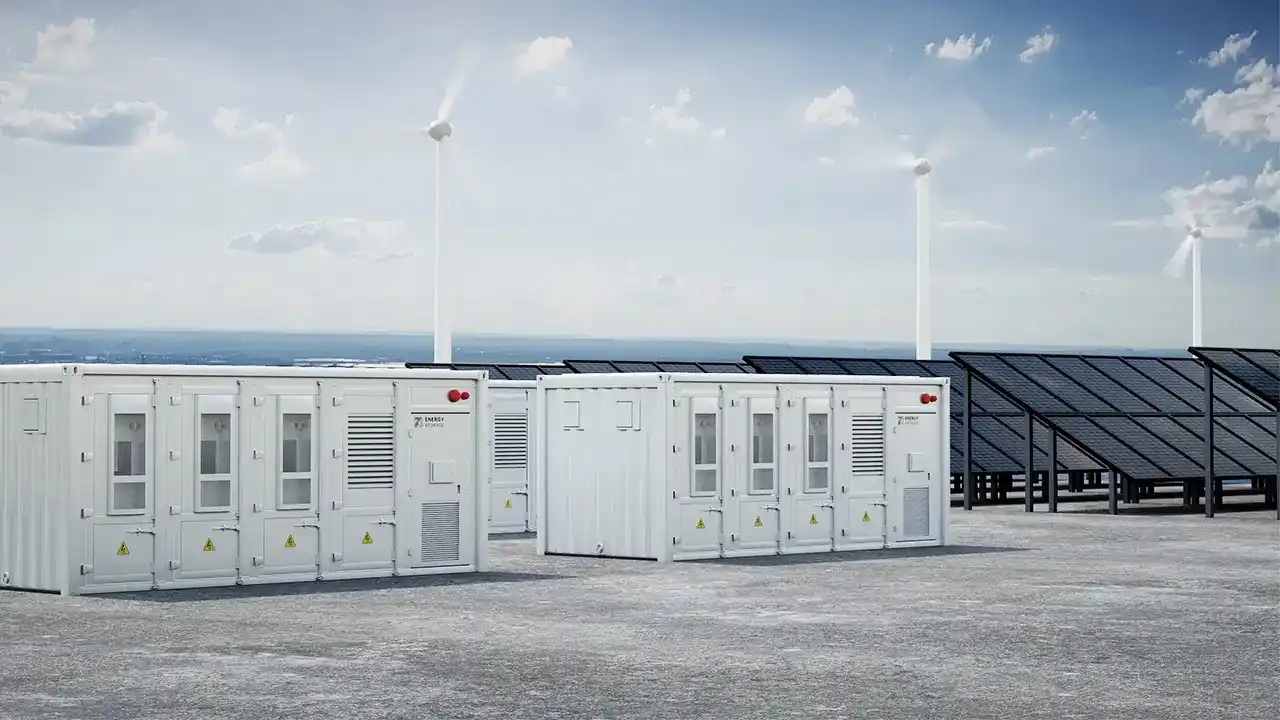
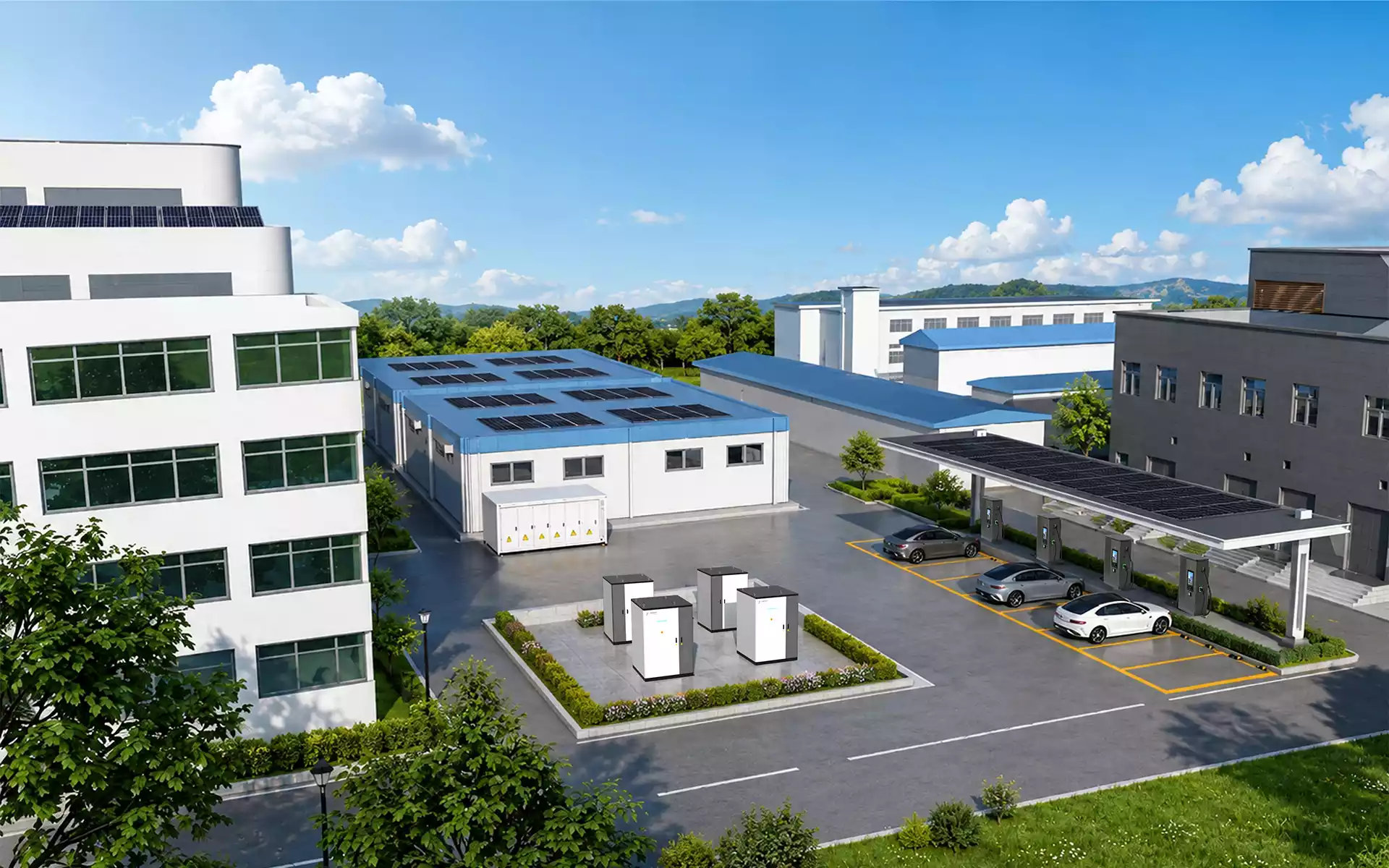
One of the most useful design decisions is deciding what not to back up. A BESS intended for data center resilience should not be treated as a general-purpose battery for every building load. Backup scope should be tied to business continuity, safety, IT protection, thermal limits, and operating procedures.
Examples of loads that may be excluded or limited include:
- Non-essential comfort cooling or general office HVAC.
- Non-critical lighting zones.
- Flexible office or support loads that can be shed during an outage.
- Loads with high inrush current but low resilience value.
- Equipment that should remain off during emergency mode to reduce operational complexity.
Load shedding is not a weakness. For many projects, it is the difference between a practical BESS and an oversized system that does not pass financial or installation review.
How EMS Protects Backup Reserve
Many data center BESS projects are expected to do more than backup. They may also reduce peak demand, support solar self-consumption, manage grid import limits, or participate in broader energy strategies. That flexibility is useful only if the EMS protects emergency operation first.
For resilience-sensitive sites, EMS logic should follow a clear hierarchy:
- Preserve the minimum emergency margin for defined backup loads.
- Block non-essential discharge if SoC falls below the protected threshold.
- Respect battery warranty limits for SoC, temperature, throughput, and cycling intensity.
- Allow economic dispatch only after resilience requirements are protected.
- Record mode changes and alarms for post-event review.
This is especially important when the same BESS is used for both backup and energy management. A system that looks profitable during normal operation can become risky if it reaches an outage with too little energy left for emergency mode.
Common Runtime Sizing Mistakes
Runtime errors are not always caused by bad equipment. Many come from unclear assumptions. The following issues should be checked before finalizing a data center BESS design.
| Mistake | Why It Matters | Better Practice |
|---|---|---|
| Sizing against full facility load | Can make the BESS too large and commercially difficult. | Classify critical load groups and shed non-essential loads. |
| Using DC nameplate kWh as runtime energy | Overstates deliverable AC energy. | Use AC delivered energy after losses, operating margin, and control limits. |
| Ignoring power conversion limits | The battery may have enough energy but not enough output power. | Check output rating, overload behavior, ramp rate, and protection settings. |
| No emergency margin lockout | Energy optimization can drain emergency runtime. | Set EMS thresholds and dispatch restrictions. |
| Ignoring battery aging | Runtime may decline over project life. | Model end-of-life capacity and warranty-aligned degradation assumptions. |
| Forgetting thermal and auxiliary loads | Cooling systems and BESS auxiliaries consume energy and affect performance. | Include thermal management, HVAC, pumps, controls, and site auxiliaries. |
| No commissioning test | Runtime logic may remain theoretical. | Validate load transfer, EMS lockout logic, alarms, and emergency modes before operation. |
Data Required Before Sizing Data Center BESS Runtime
A reliable runtime model needs real project inputs. Before asking for a BESS quote, data center owners and EPC teams should prepare the following information. DOE FEMP’s commercial BESS procurement checklist provides a useful independent reference for early-stage technical and procurement review.[2]
- Critical load list by system, panel, and priority level.
- Measured or estimated kW demand for each load group.
- Required runtime for each critical load category.
- Existing UPS rating, runtime, topology, battery type, and bypass arrangement.
- Generator start time, transfer sequence, fuel strategy, and failure mode assumptions.
- Switchgear layout, available connection point, breaker ratings, and protection requirements.
- Cooling system behavior during outage and emergency mode.
- Target minimum emergency margin and EMS dispatch restrictions.
- Ambient temperature range and installation environment.
- Applicable safety, fire, grid, and insurer documentation requirements.
- Maintenance access, testing schedule, and service response expectations.
Without these inputs, a BESS quote may only describe product size. It will not prove whether the system can meet the site’s runtime requirement.
Thermal Conditions and Runtime Reliability
Backup runtime is also affected by temperature. Battery performance, PCS operation, cooling load, and auxiliary consumption can change under hot or cold conditions. For data center projects, this matters because emergency events often happen during grid stress, heat waves, storms, or abnormal operating conditions.
A runtime model should consider:
- Battery operating temperature window.
- Cooling system availability during outage mode.
- Auxiliary energy consumption from HVAC or liquid cooling.
- Power conversion derating under high ambient temperature.
- Alarm thresholds and shutdown behavior under thermal stress.
- Maintenance and inspection access for cooling components.

Commissioning Tests for Runtime Confidence
Backup runtime should be tested, not only calculated. Commissioning should confirm that the system behaves correctly under controlled scenarios before it is relied on during an actual outage.
Useful commissioning checks may include:
- Critical load transfer sequence review.
- UPS ride-through and BESS dispatch coordination.
- Power output response under step load conditions.
- EMS threshold and dispatch lockout validation.
- Alarm visibility for low SoC, thermal issues, conversion-equipment faults, communication loss, and emergency stop.
- Generator start and transfer interaction where generators are part of the backup architecture.
- Runtime estimation review under realistic load conditions.
- Post-test event log review and operator training.
The point of commissioning is not to force a dramatic full outage test in every project. It is to confirm that the intended operating logic is real, visible, and repeatable. This operational focus matters because power remains a leading cause of impactful data center outages, while increasingly complex infrastructure creates additional dependencies that operators must manage.[3]
How PVB Supports Data Center Backup Runtime Sizing
PVB supports data center and critical facility projects with C&I battery energy storage systems, EMS configuration, liquid cooling, application-based system design, and project documentation support. For backup runtime planning, the focus is matching system architecture to the site’s load profile instead of treating BESS as a generic battery add-on.
PVB can support project teams in areas such as:
- Load review: Helping define which loads should be supported by BESS and which loads can be shed.
- Runtime modelling: Translating runtime targets into AC delivered energy and appropriate system capacity.
- System sizing: Checking whether power output, energy capacity, and electrical architecture match the backup requirement.
- EMS strategy: Configuring control logic so emergency energy is protected before economic dispatch.
- Thermal design: Supporting liquid-cooling and operating-condition review for stable long-term performance.
- Documentation support: Providing project teams with product, safety, commissioning, and operation information for technical review.
Available engineering, commissioning, documentation, and service deliverables should be confirmed for the selected product configuration and destination market during project review.


For data centers, the strongest BESS design is not always the largest one. It is the system that can support the right loads, for the right duration, with enough margin, under the operating conditions the facility is actually likely to face.
Related PVB Guides
FAQ: Data Center Backup Runtime and BESS Sizing
What is data center backup runtime?
Data center backup runtime is the amount of time a power system can support a defined load after normal power is unavailable or constrained. It should specify the supported load group, load power, target duration, deliverable energy, and operating sequence.
How should backup runtime be assigned to critical load groups?
Runtime should be assigned according to load priority. Critical IT loads, control networks, safety systems, and selected cooling support may need different backup durations. Non-critical loads can often be shed to avoid oversizing the BESS.
Why does kW and kWh separation matter for critical load backup?
kW determines whether the BESS can support the load power at a given moment. kWh determines how long that load can be supported. A runtime design must check both power output and deliverable battery energy.
What is usable BESS capacity?
Usable BESS capacity is the amount of energy the system can deliver under defined operating limits. It is different from DC nameplate capacity because conversion losses, auxiliary loads, temperature, allowed depth of discharge, battery aging, and emergency margin all affect delivered energy.
Should BESS support the entire data center load?
Not always. In many projects, BESS should support selected critical load groups rather than the entire facility. This helps control system size, cost, safety review, and service complexity while still protecting business continuity.
How much backup runtime should a data center BESS provide?
The required runtime depends on utility reliability, generator strategy, critical load scope, redundancy requirements, and operating procedures. Some projects need short bridge support, while others require 1 hour, 2 hours, or longer for selected loads.
How much battery capacity is needed for a 500 kW load for 30 minutes?
The load requires 250 kWh delivered at the AC connection point. In the worked example, applying a 5% allowance for auxiliaries not already included in the load list, 95% one-way discharge-path efficiency, 90% usable SoC window, 80% end-of-life capacity, and 10% contingency results in approximately 422 kWh of nominal battery capacity. The power conversion path must also support at least 500 kW. Actual projects must use equipment-specific and site-specific values.
How does EMS protect backup energy?
EMS protects backup energy by setting minimum SoC thresholds, blocking non-essential discharge below protected limits, prioritizing resilience over energy savings, and recording control events for review.
Which project inputs are required for runtime modelling?
Useful inputs include load lists, kW demand, runtime targets, UPS topology, generator sequence, switchgear layout, cooling behavior, EMS limits, ambient conditions, safety requirements, and service expectations.
Can runtime be guaranteed from BESS nameplate capacity alone?
No. Nameplate capacity alone does not guarantee runtime. The project must account for AC delivered energy, power output, losses, degradation, temperature, auxiliary loads, emergency margin, and actual load demand.
Can PVB help size BESS for data center critical loads?
PVB can support data center BESS projects with load review, runtime modelling, system sizing, EMS strategy, liquid-cooling design, and project documentation support.
Sources and Technical References
- Walker, A. and Desai, J. — Battery Energy Storage System Evaluation Method, U.S. Department of Energy Federal Energy Management Program, 2023. Accessed July 10, 2026.
- U.S. Department of Energy, Federal Energy Management Program — Battery Energy Storage System Procurement Checklist, 2024. Accessed July 10, 2026.
- Uptime Institute — Annual Data Center Outages Analysis 2026. Accessed July 10, 2026.
- PVB — 422kWh Liquid Cooling Energy Storage System. Accessed July 10, 2026.